



TikTok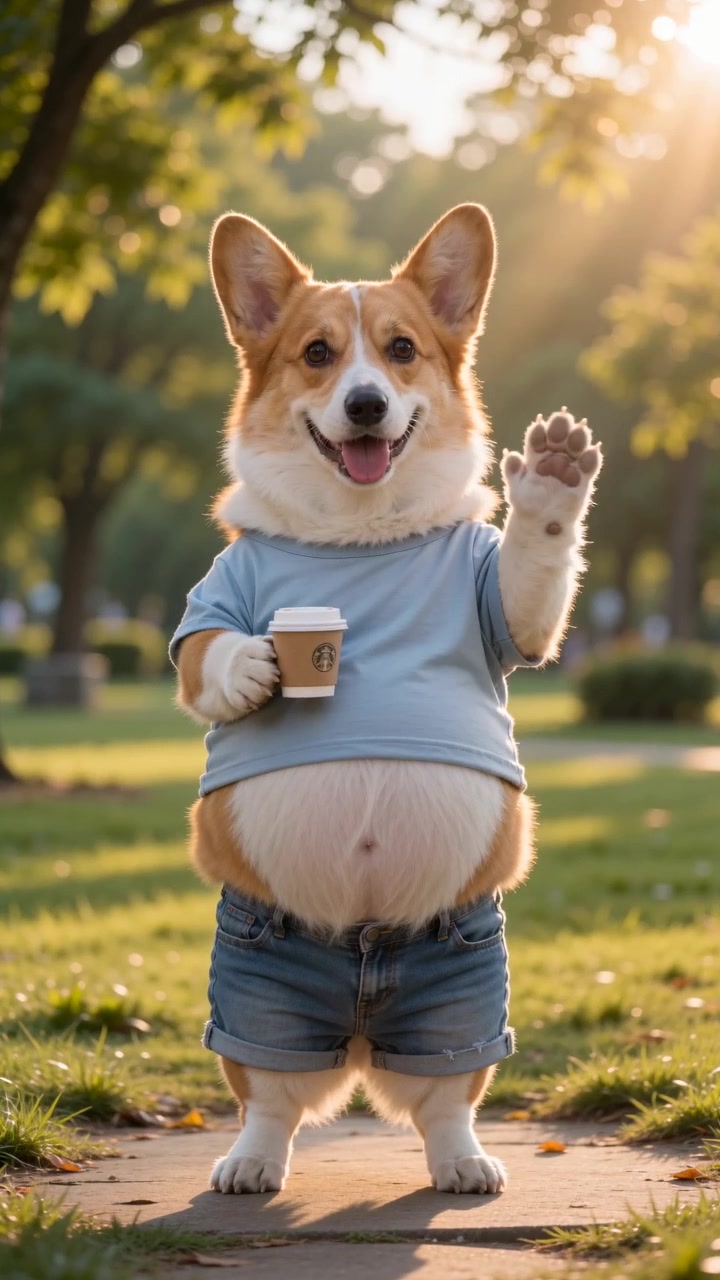
TikTok9:16 · 10s · hooks in the first second
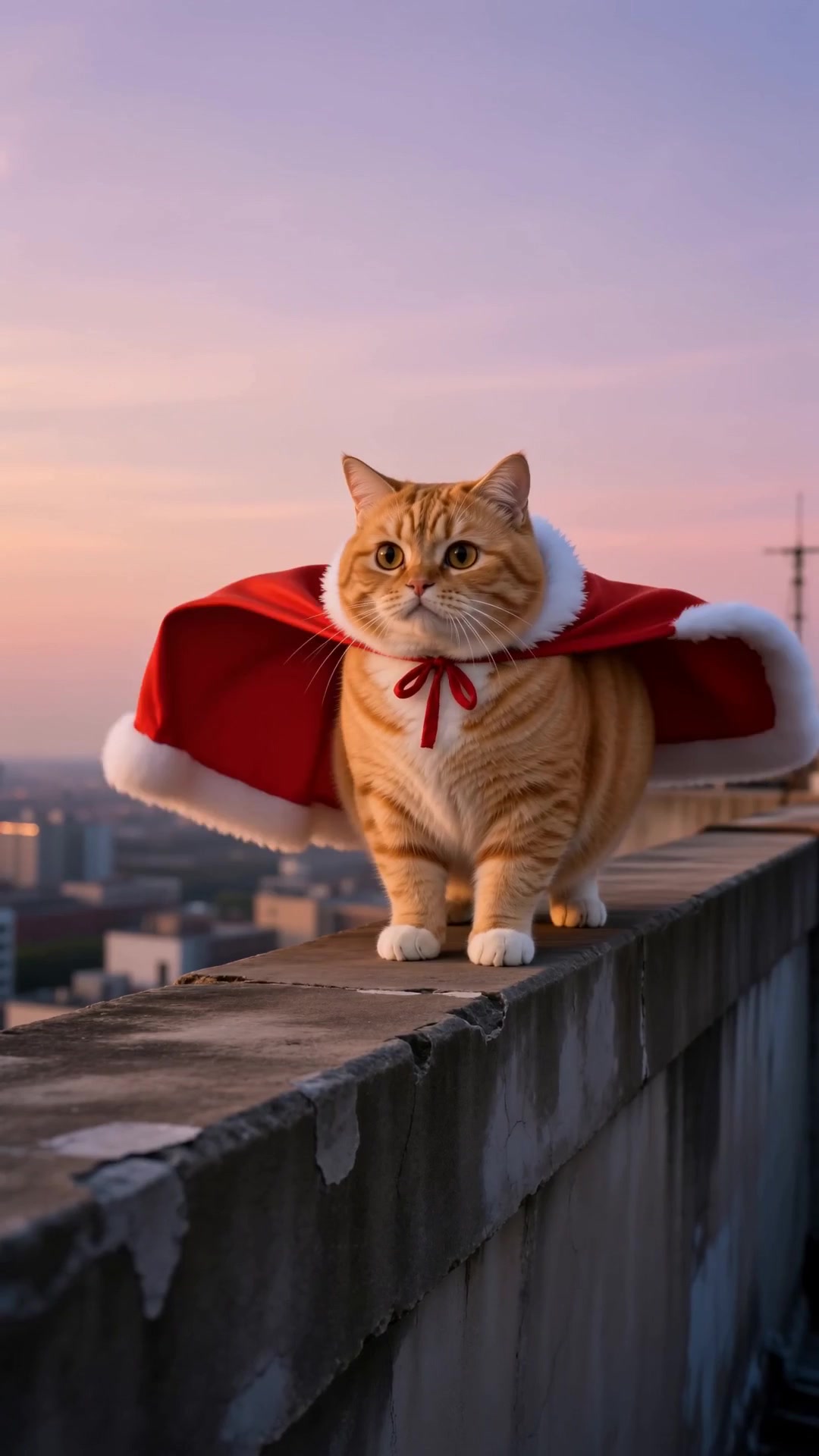
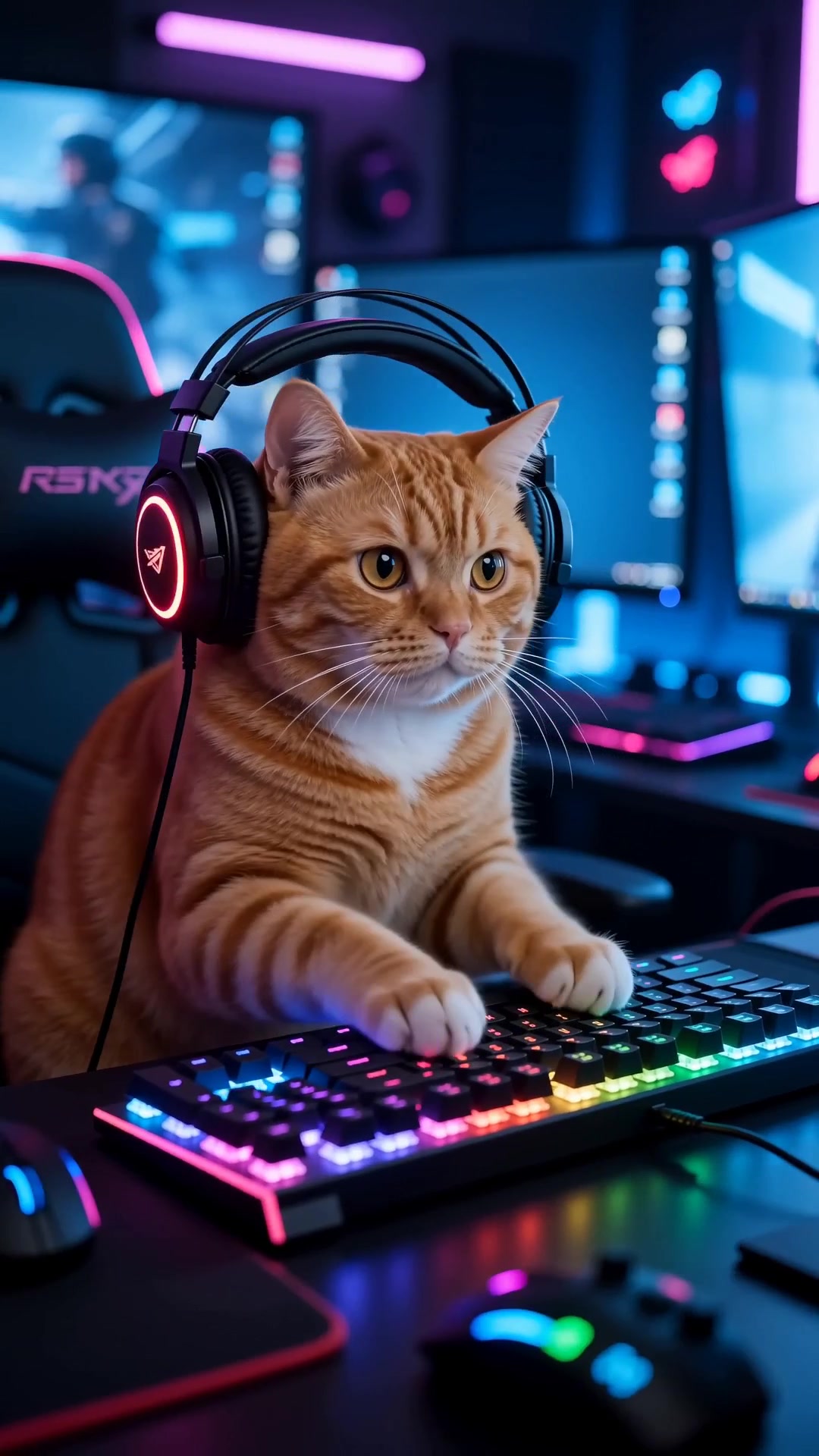
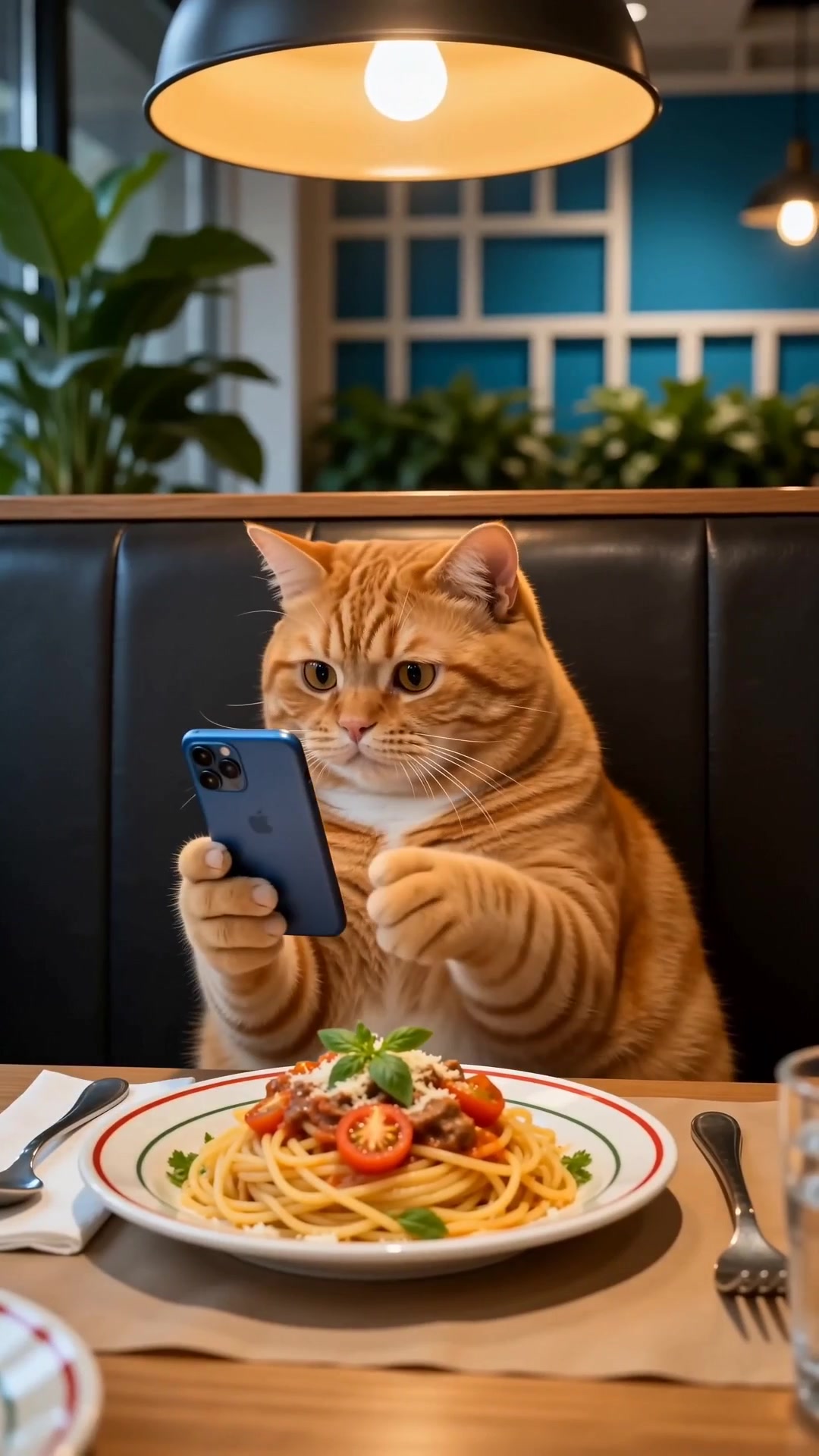
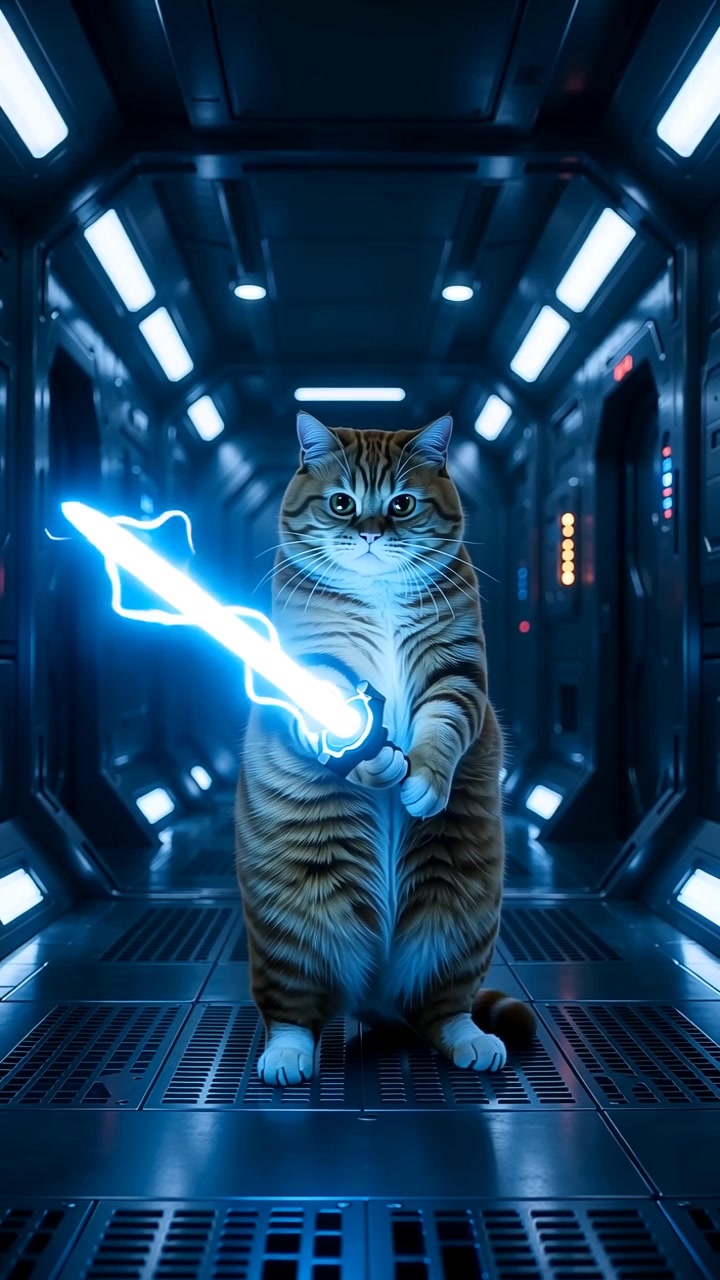
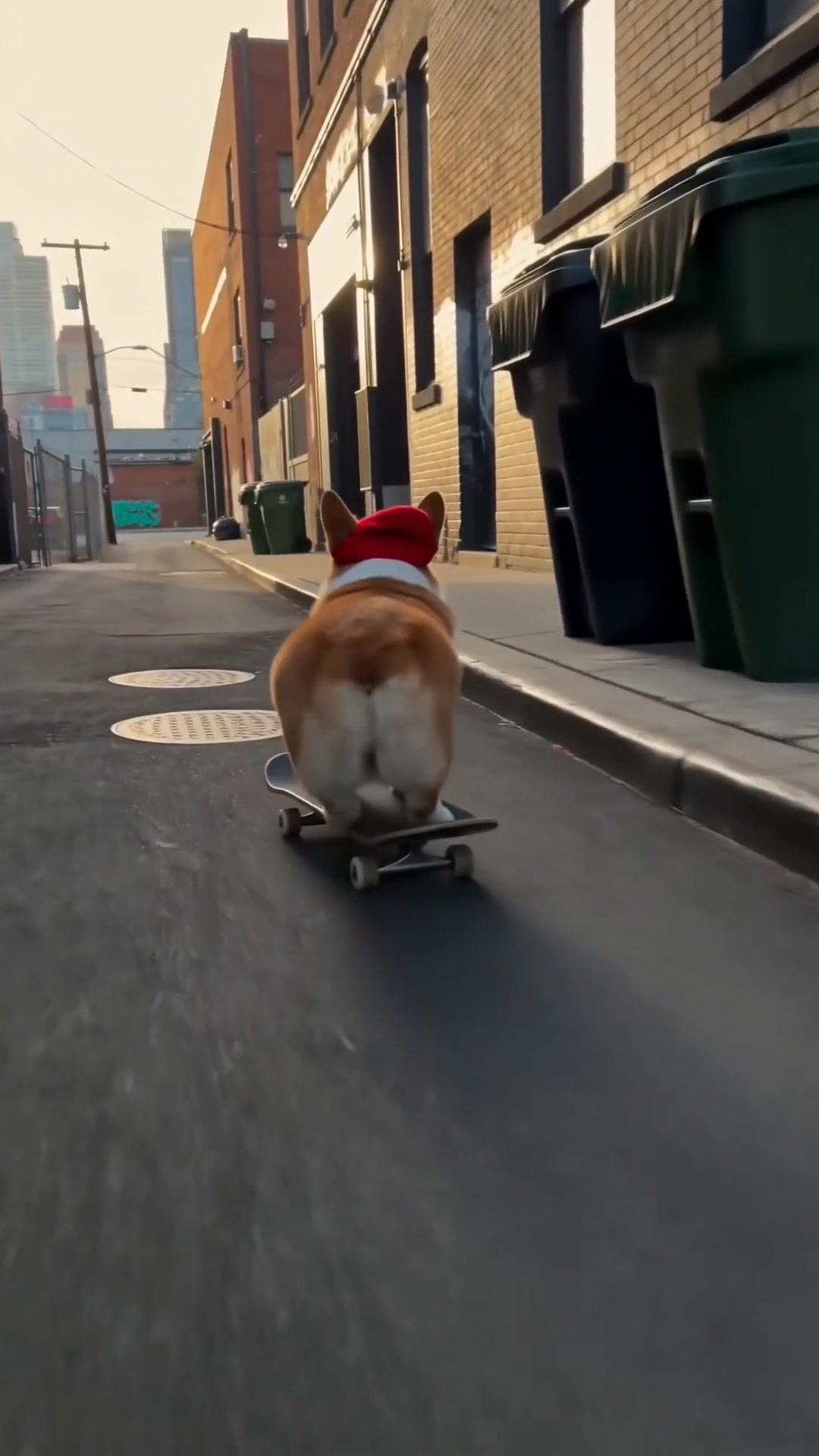
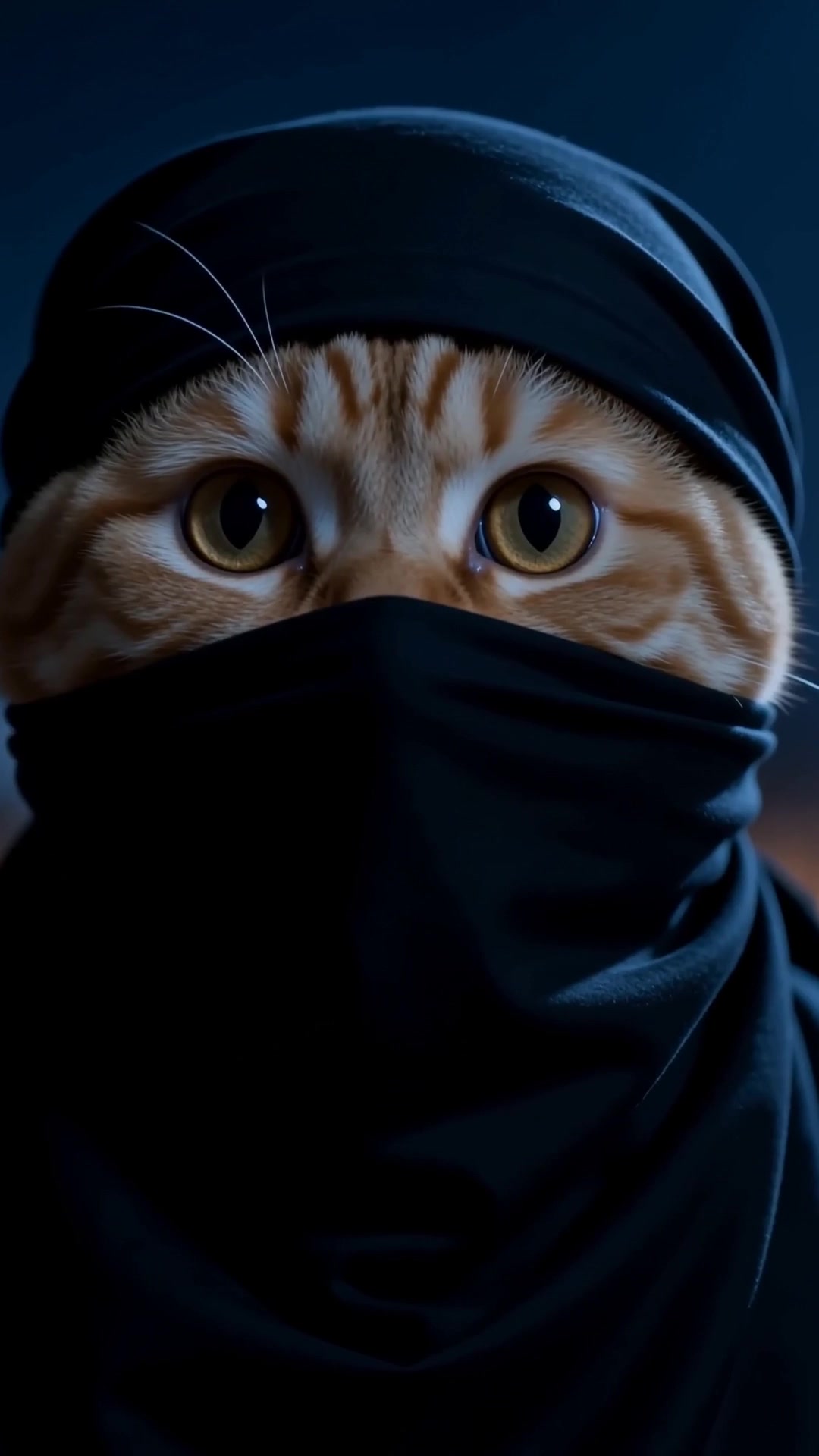
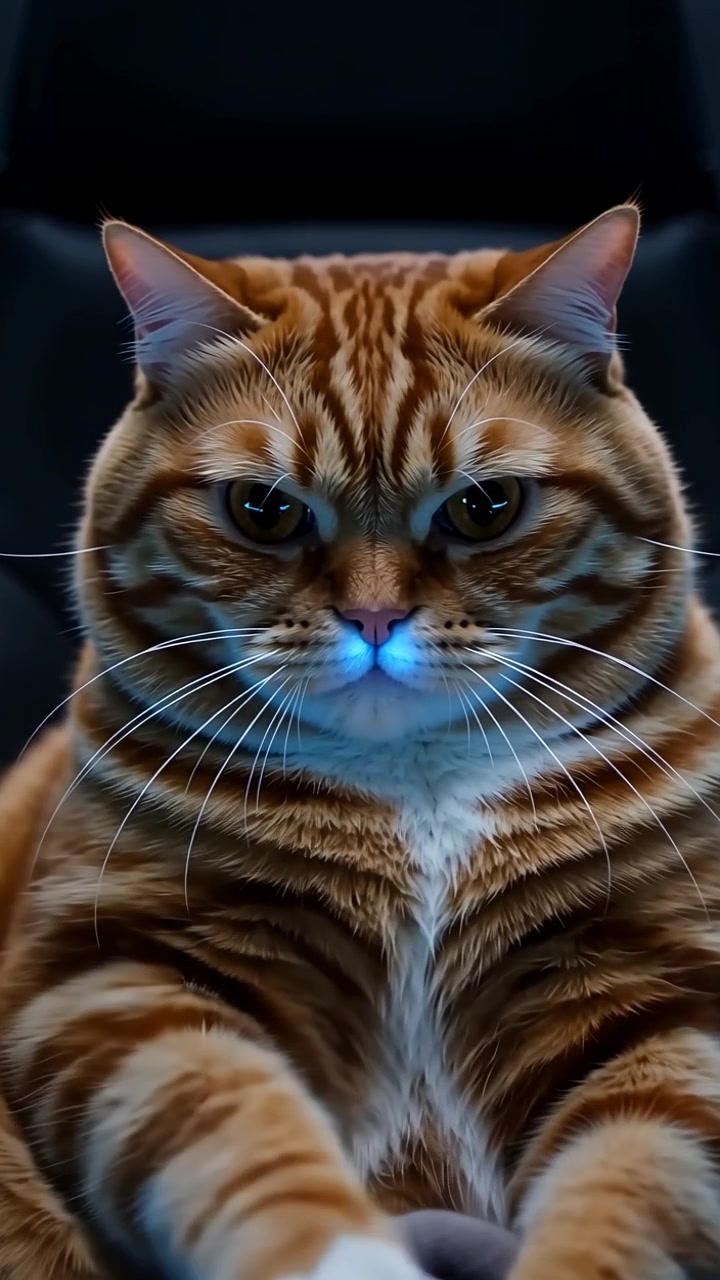
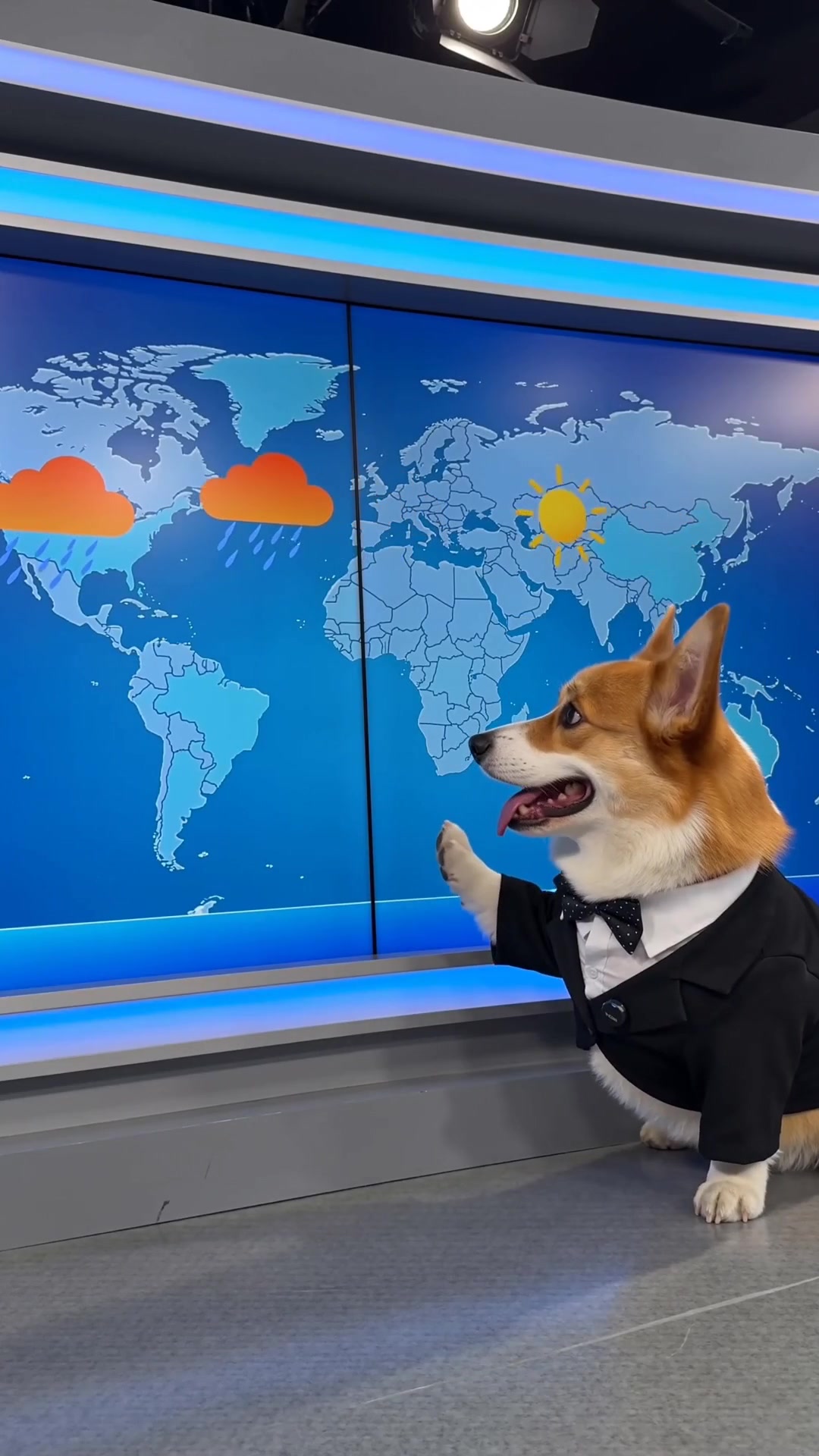
Pick a scene, upload a single photo, tap once. The motion, the camera and the sound are already handled — no prompts, no timeline, no editing.
Pay as you go from $4.99 · no subscription · no watermark on downloads
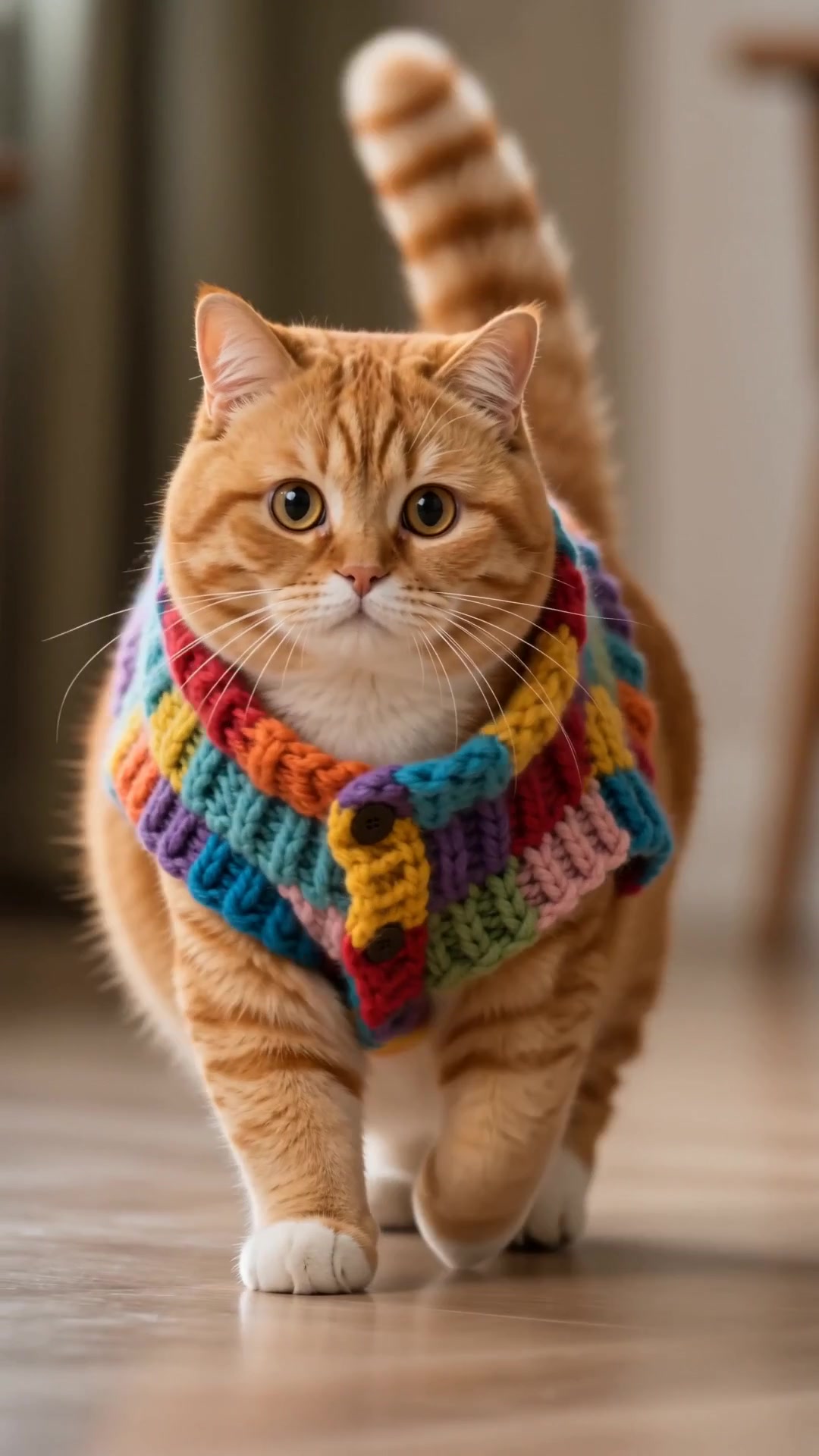
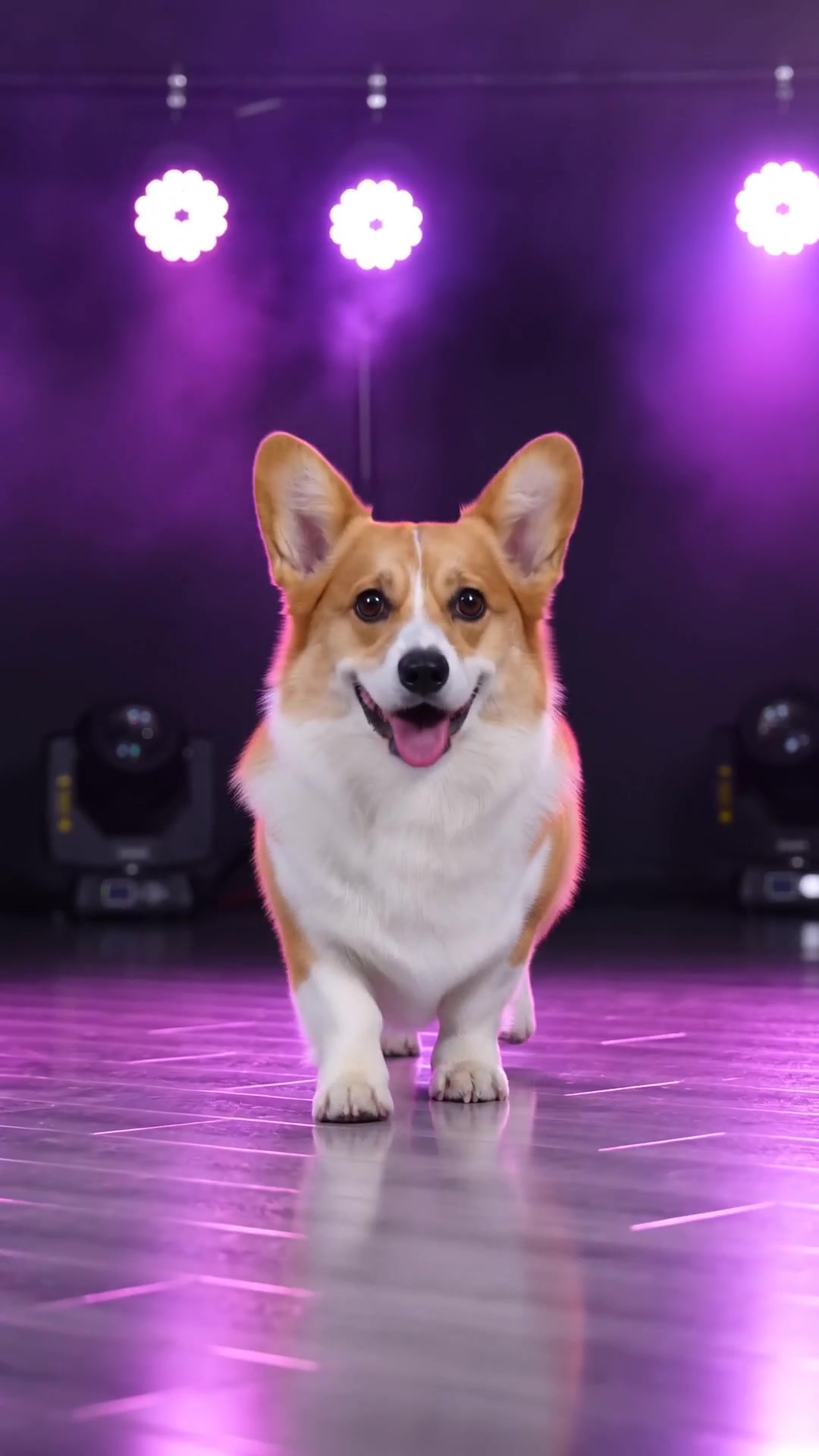
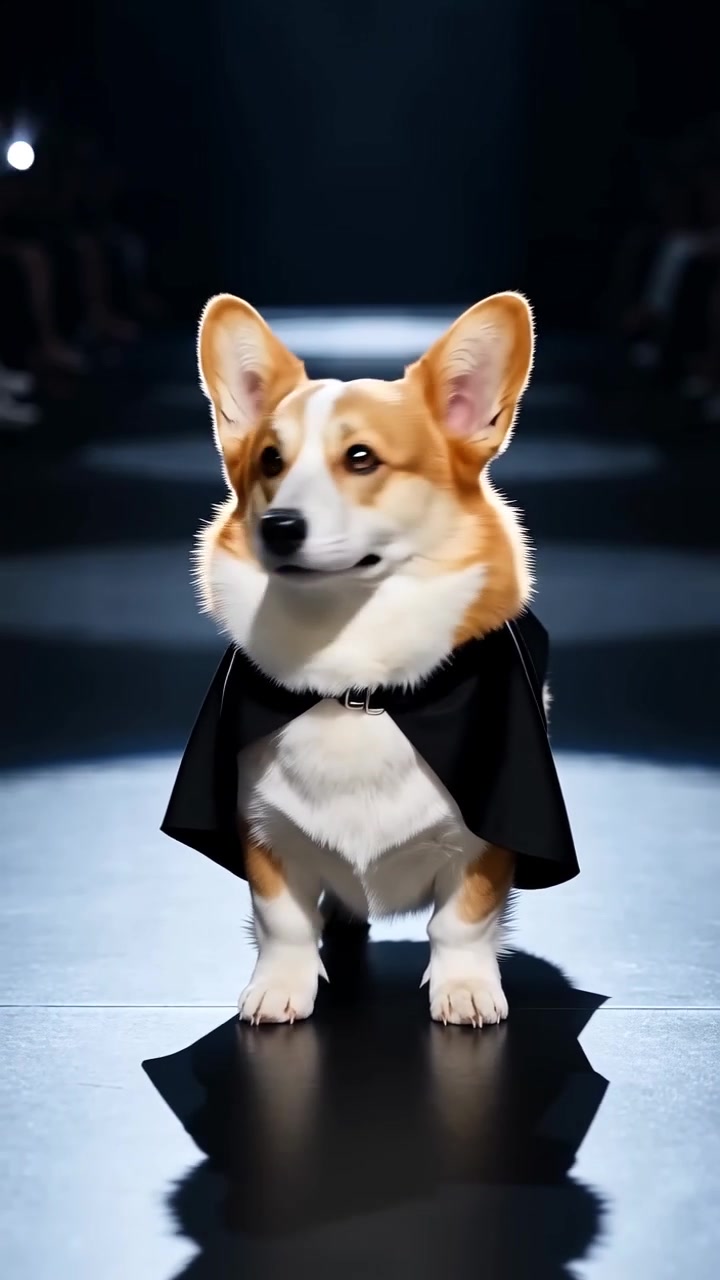
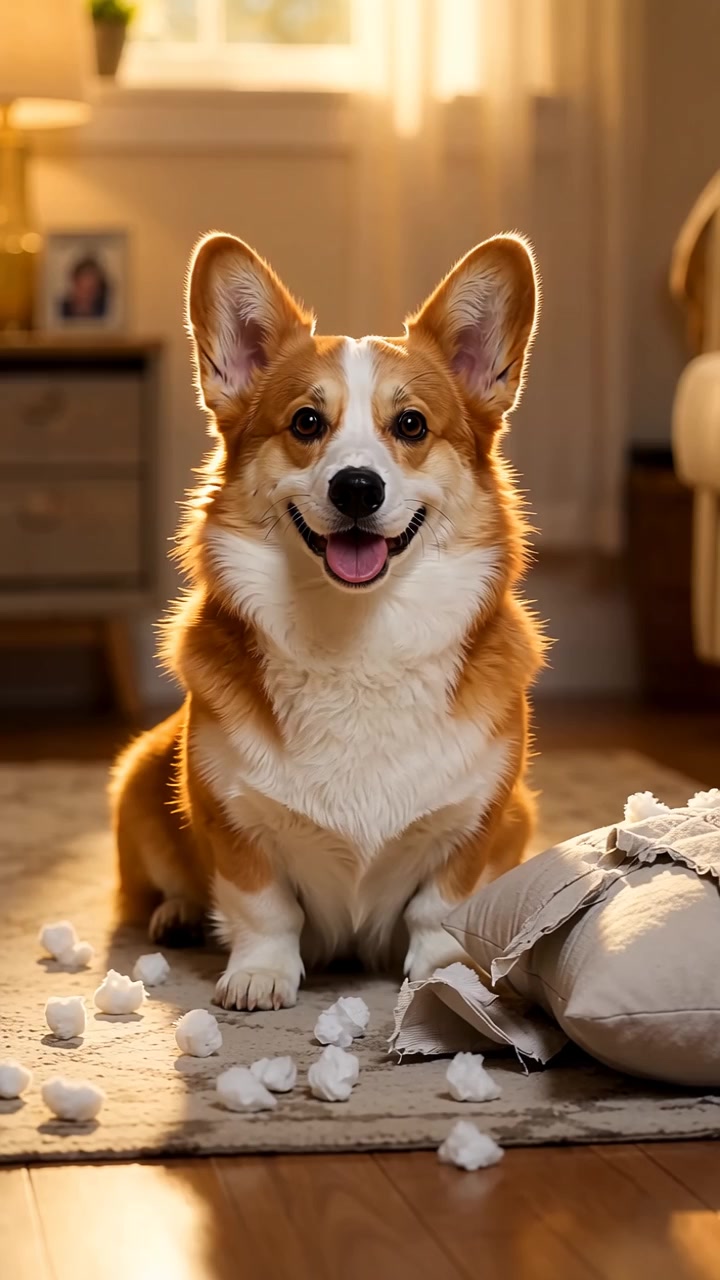
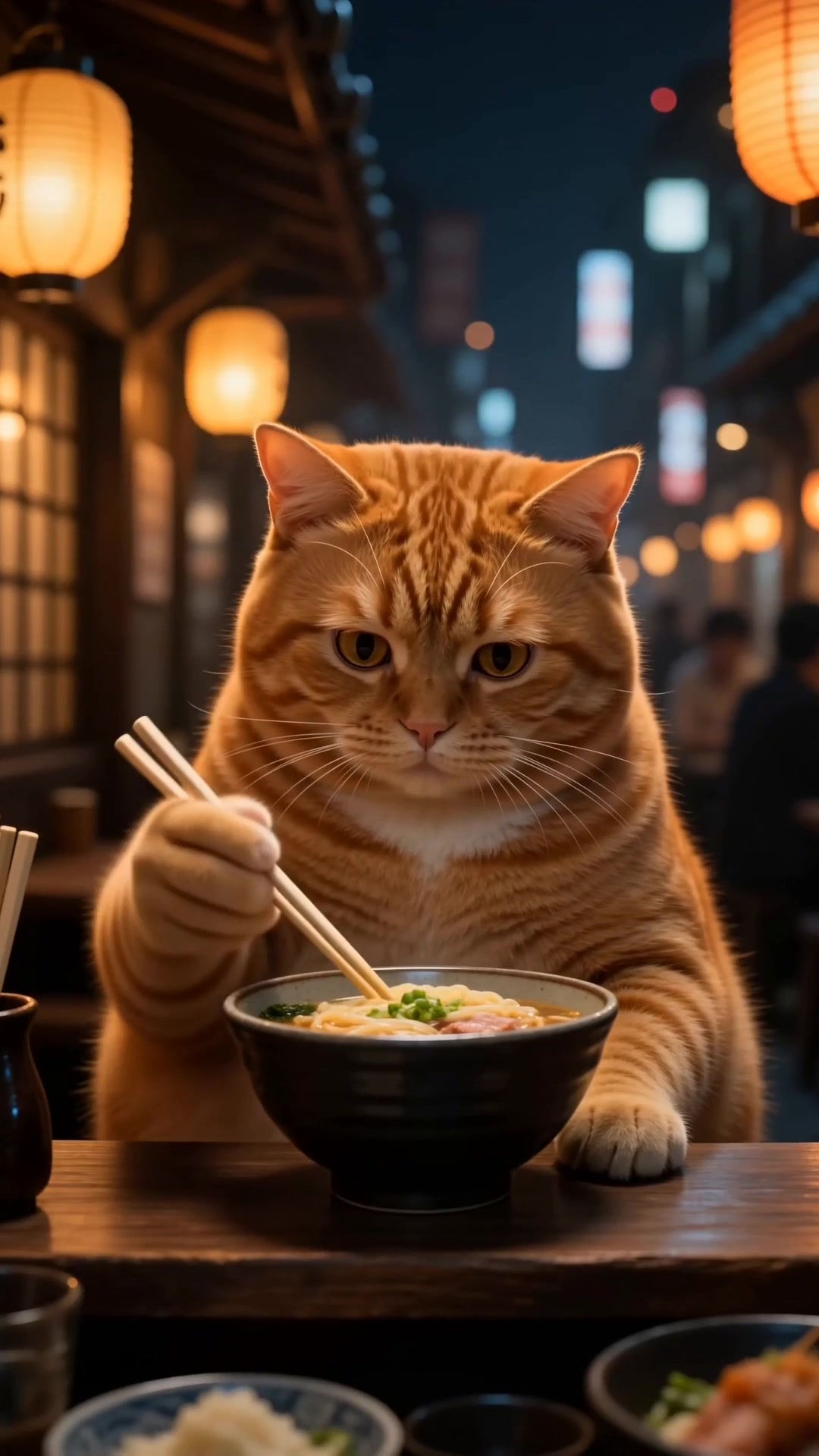
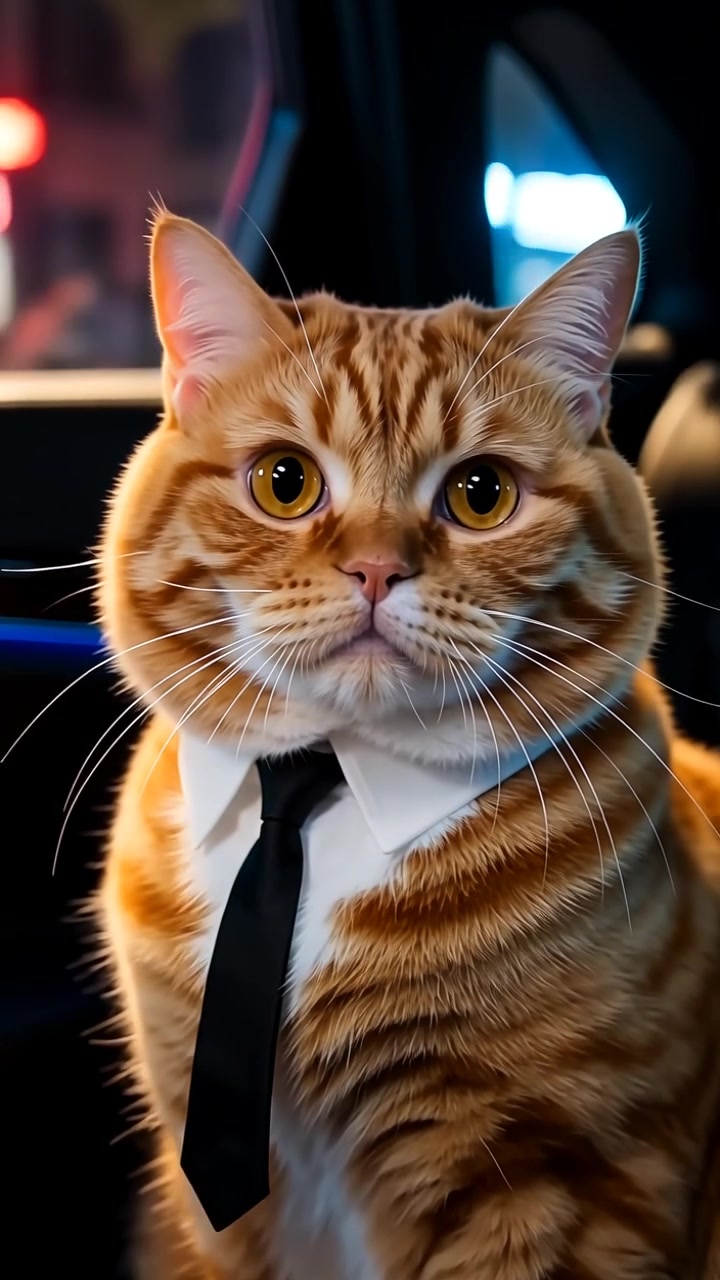
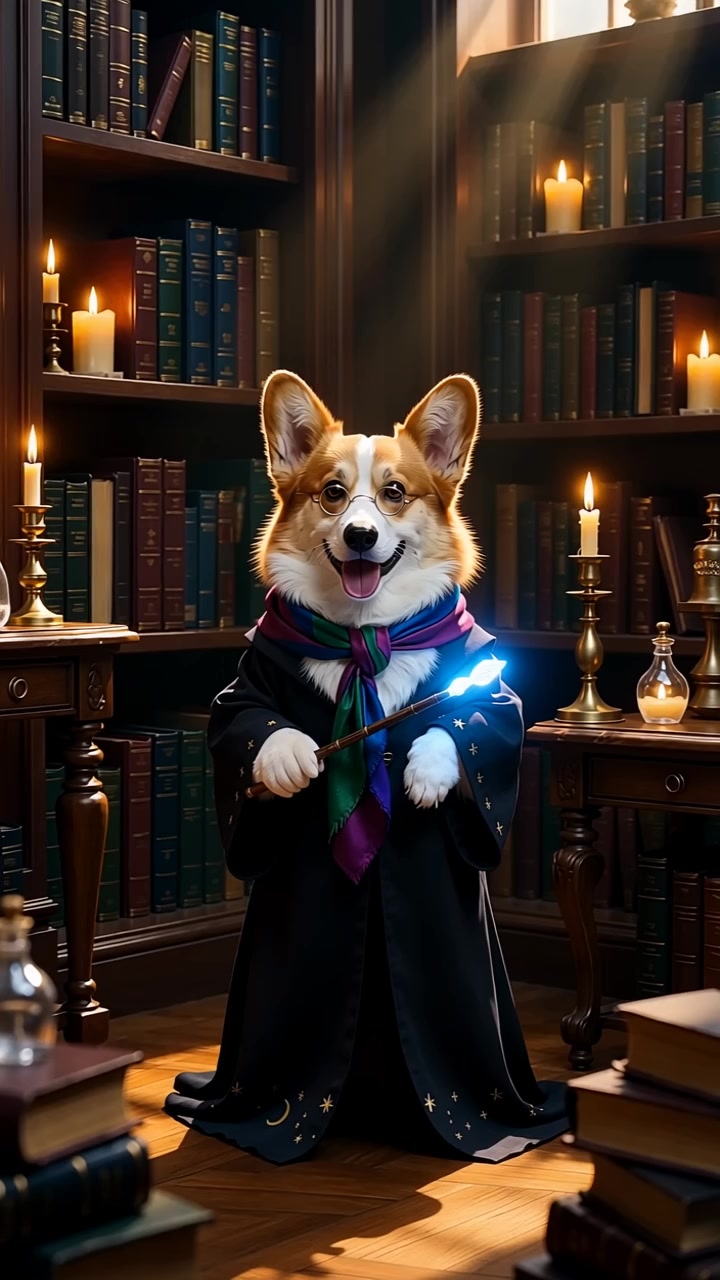
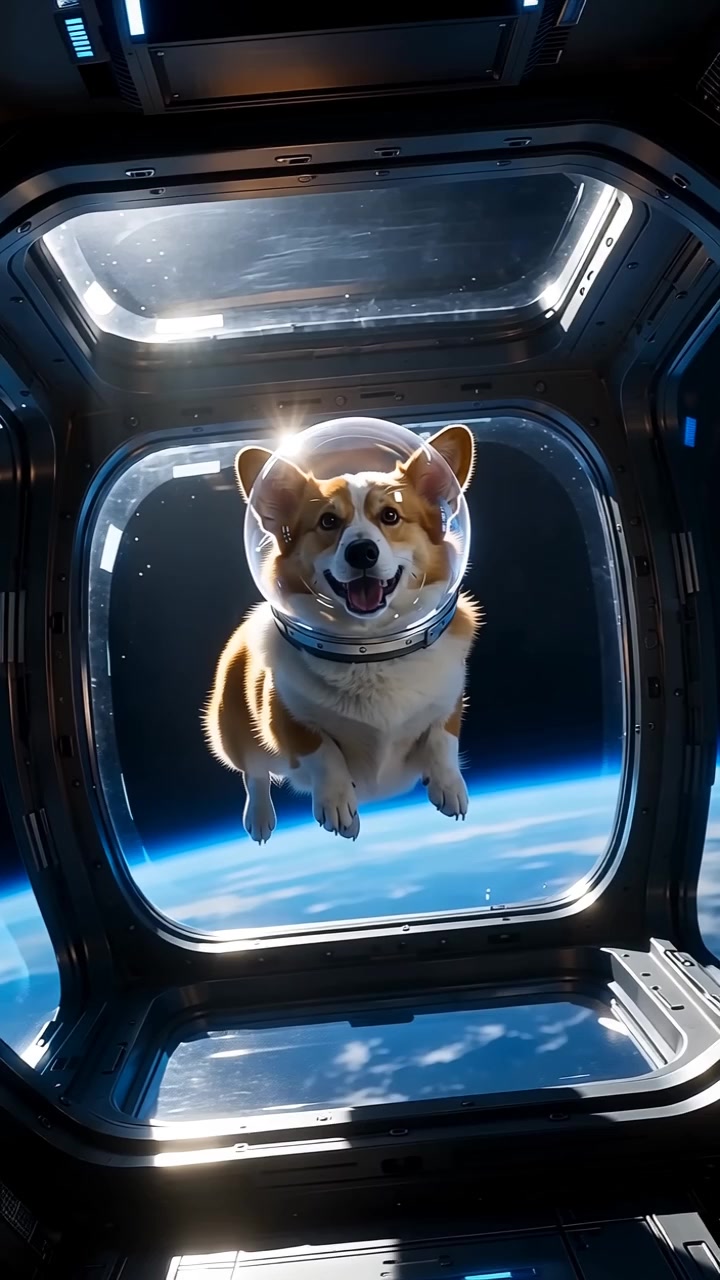
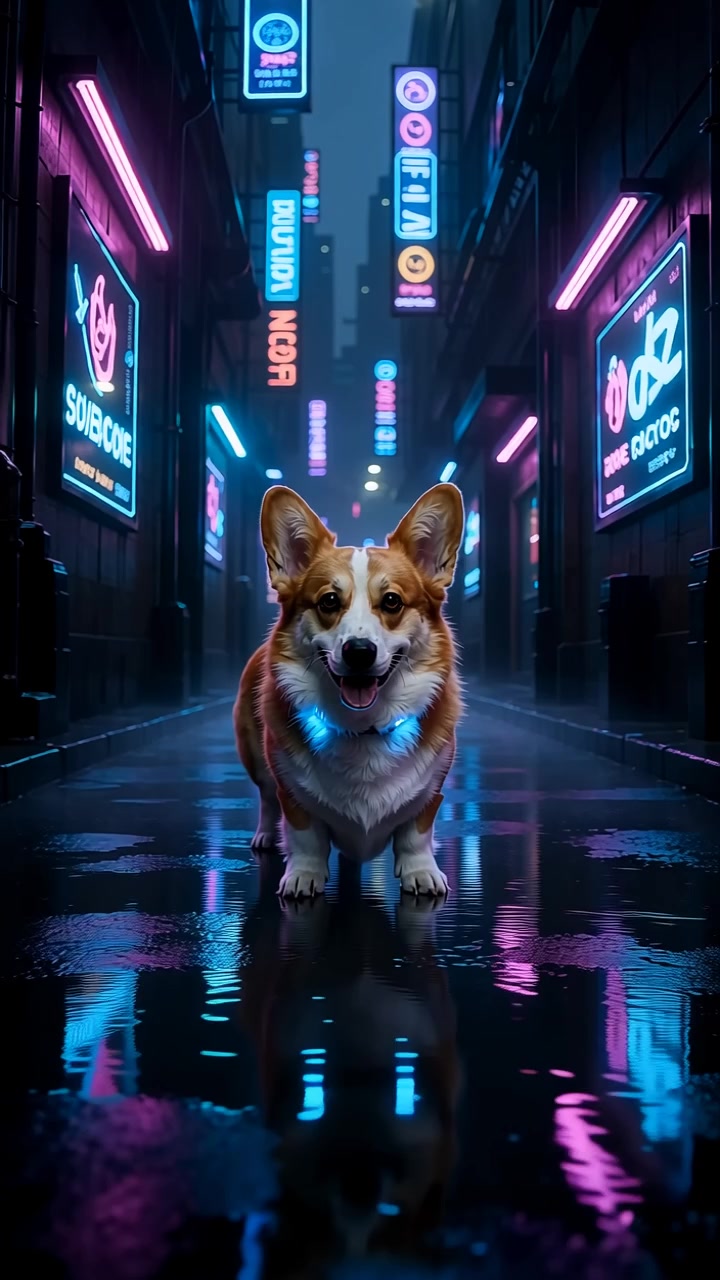
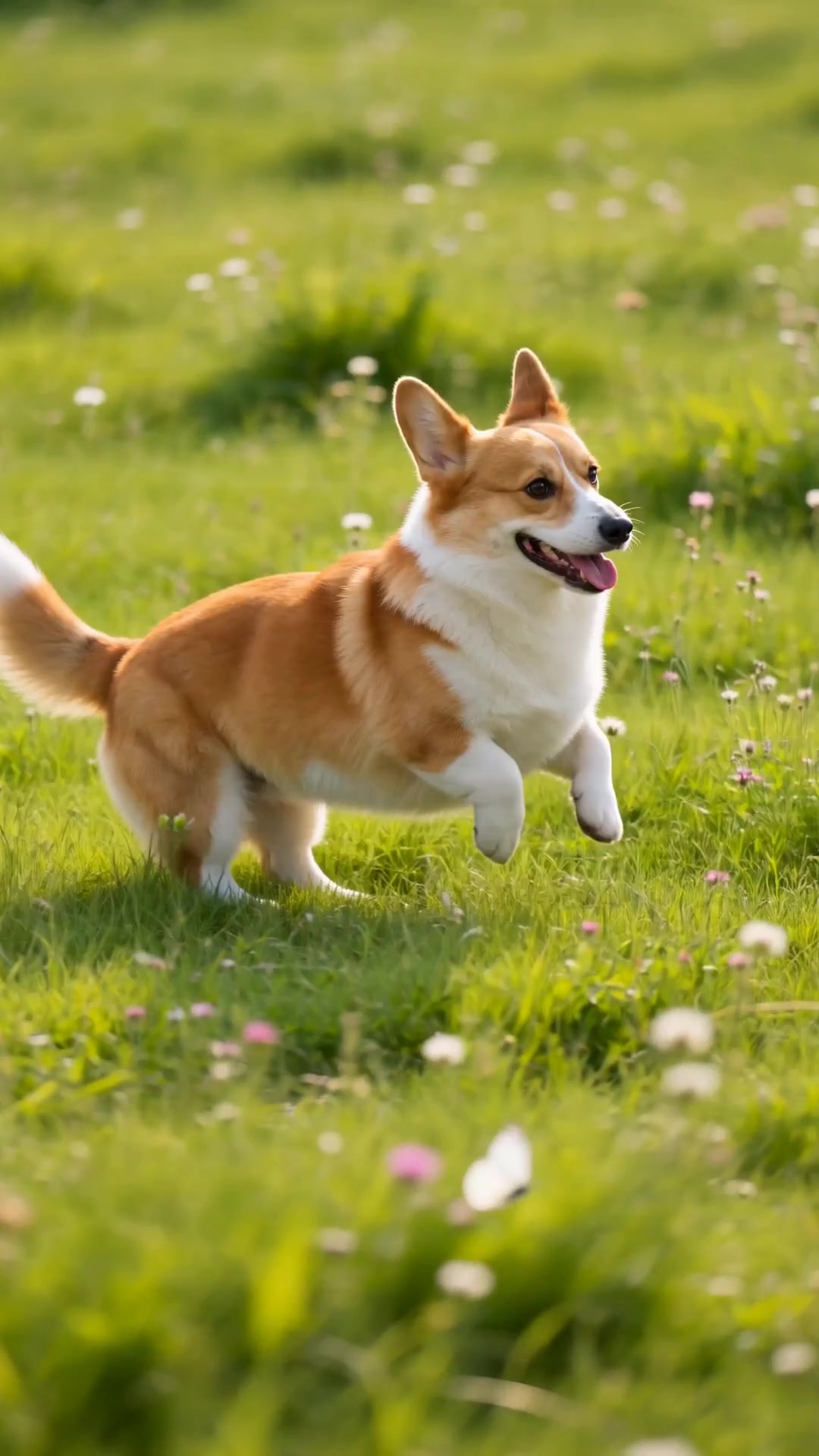
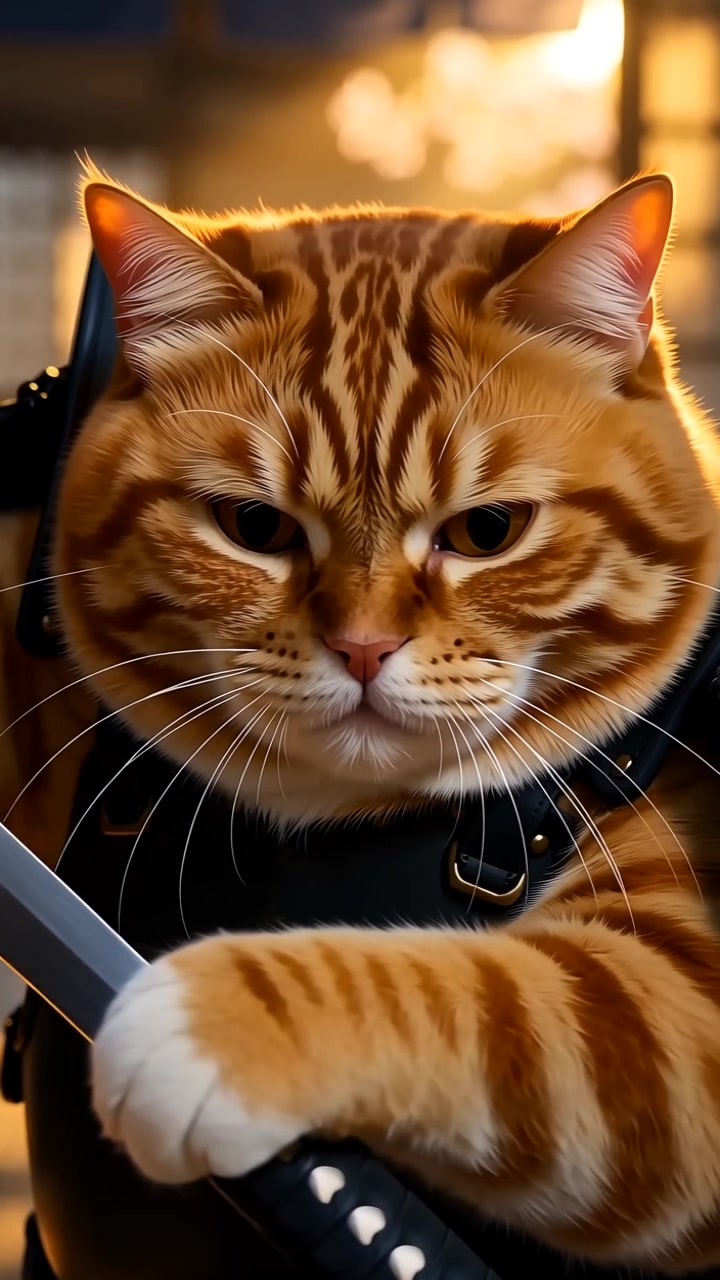
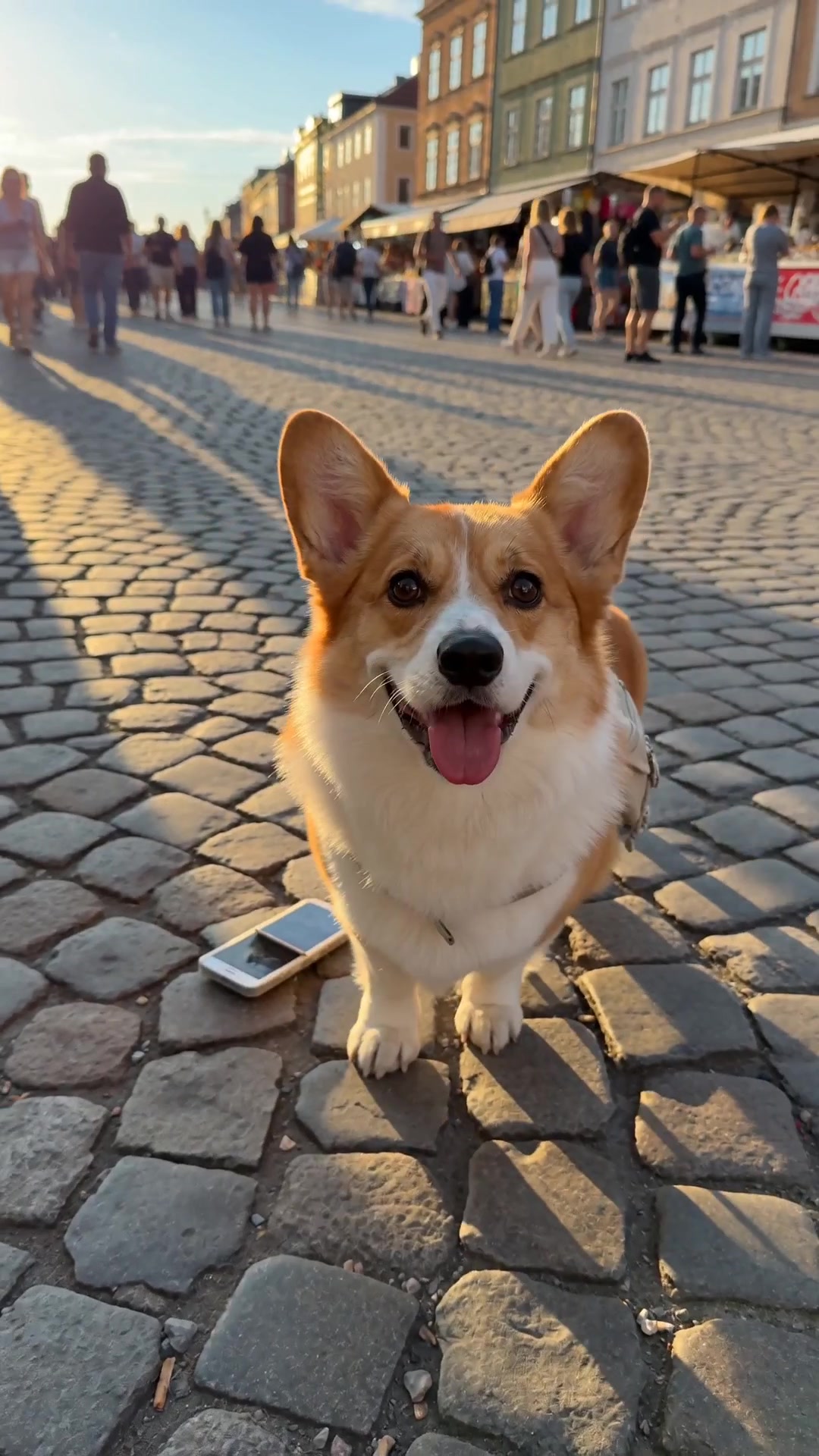
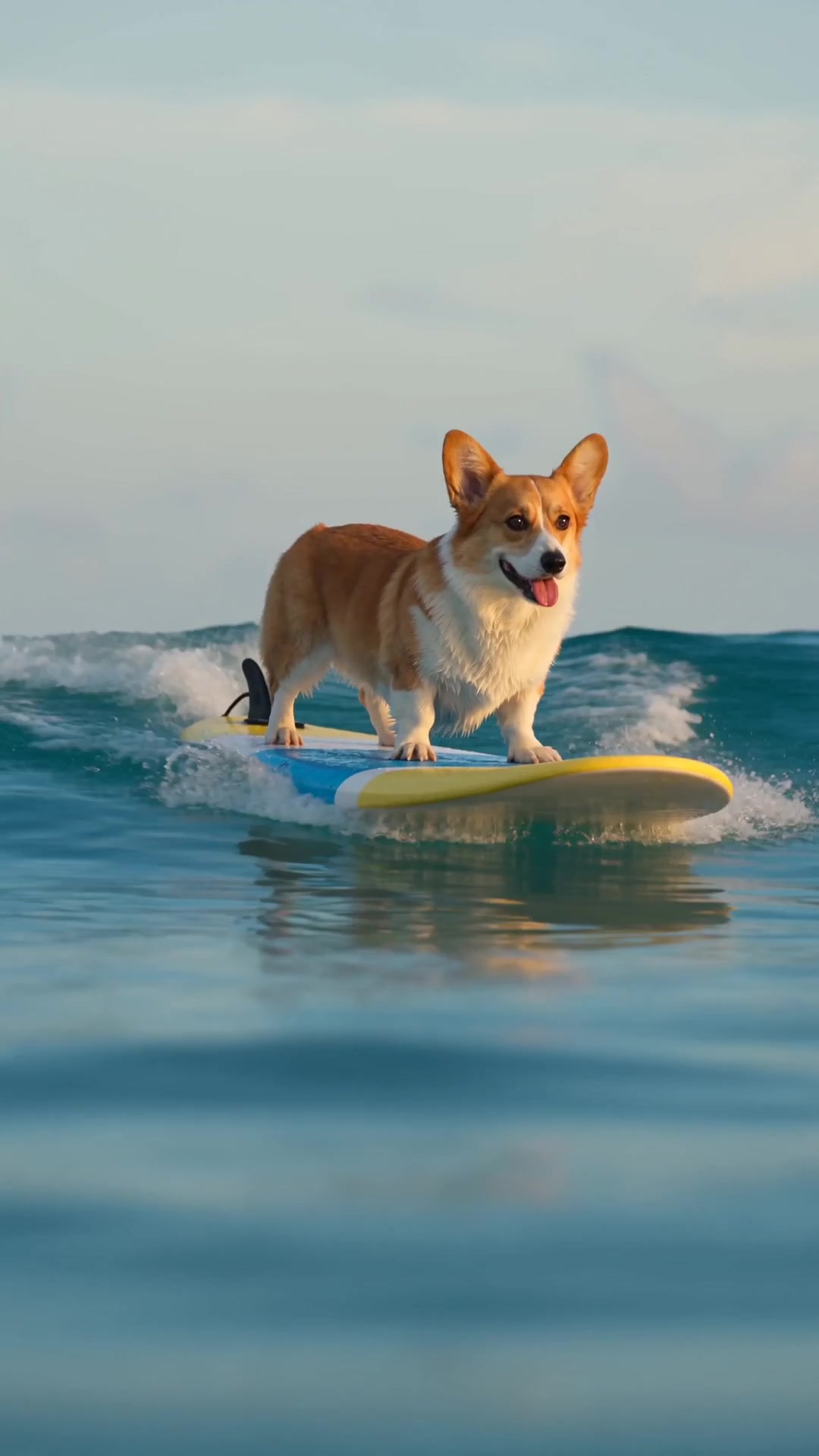
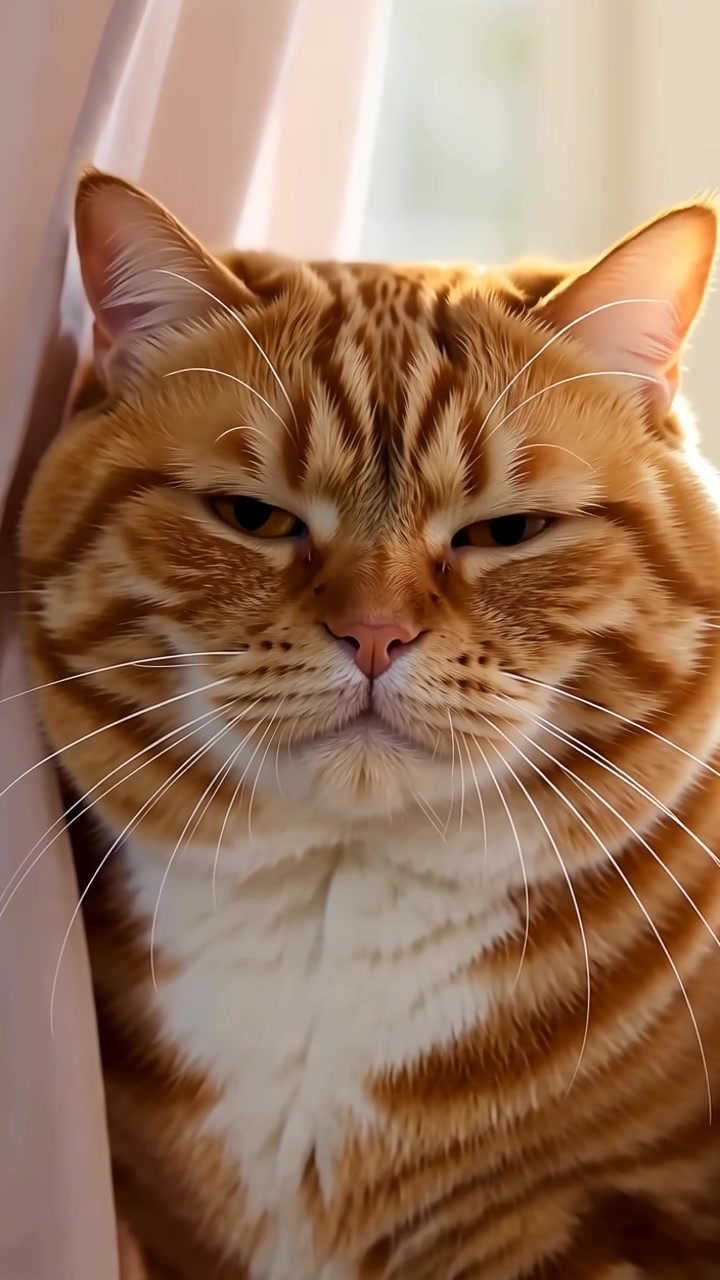
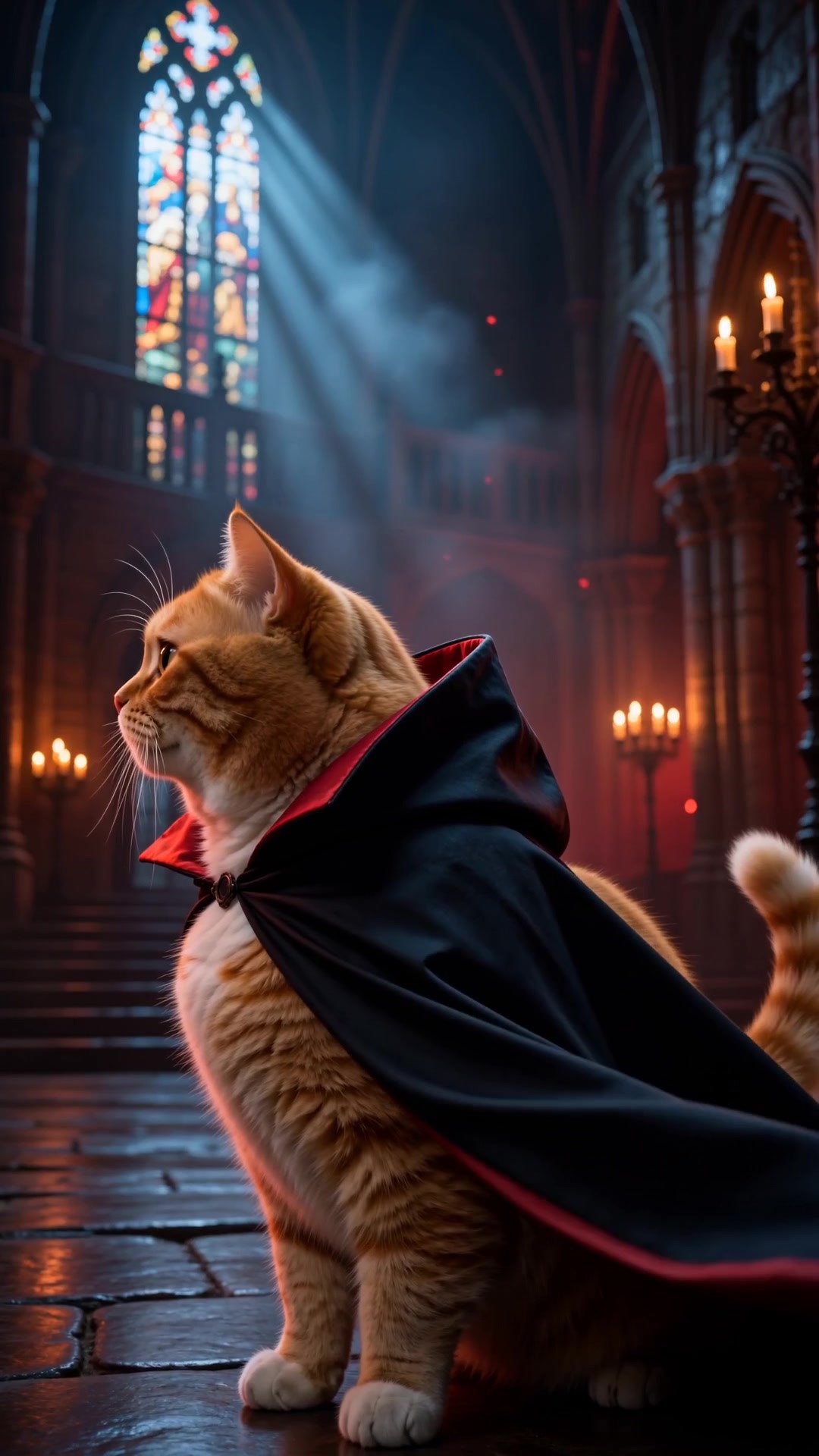
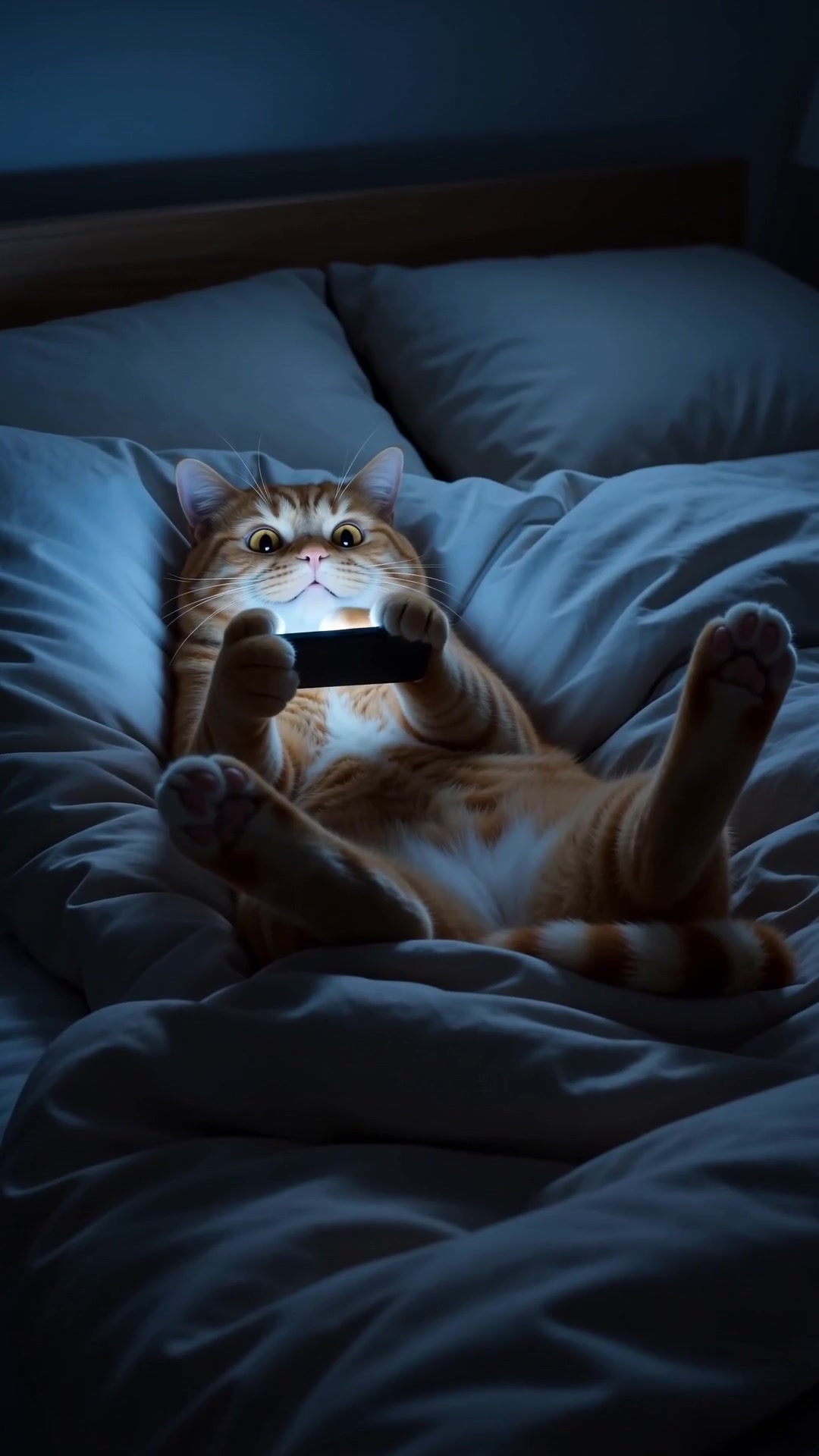
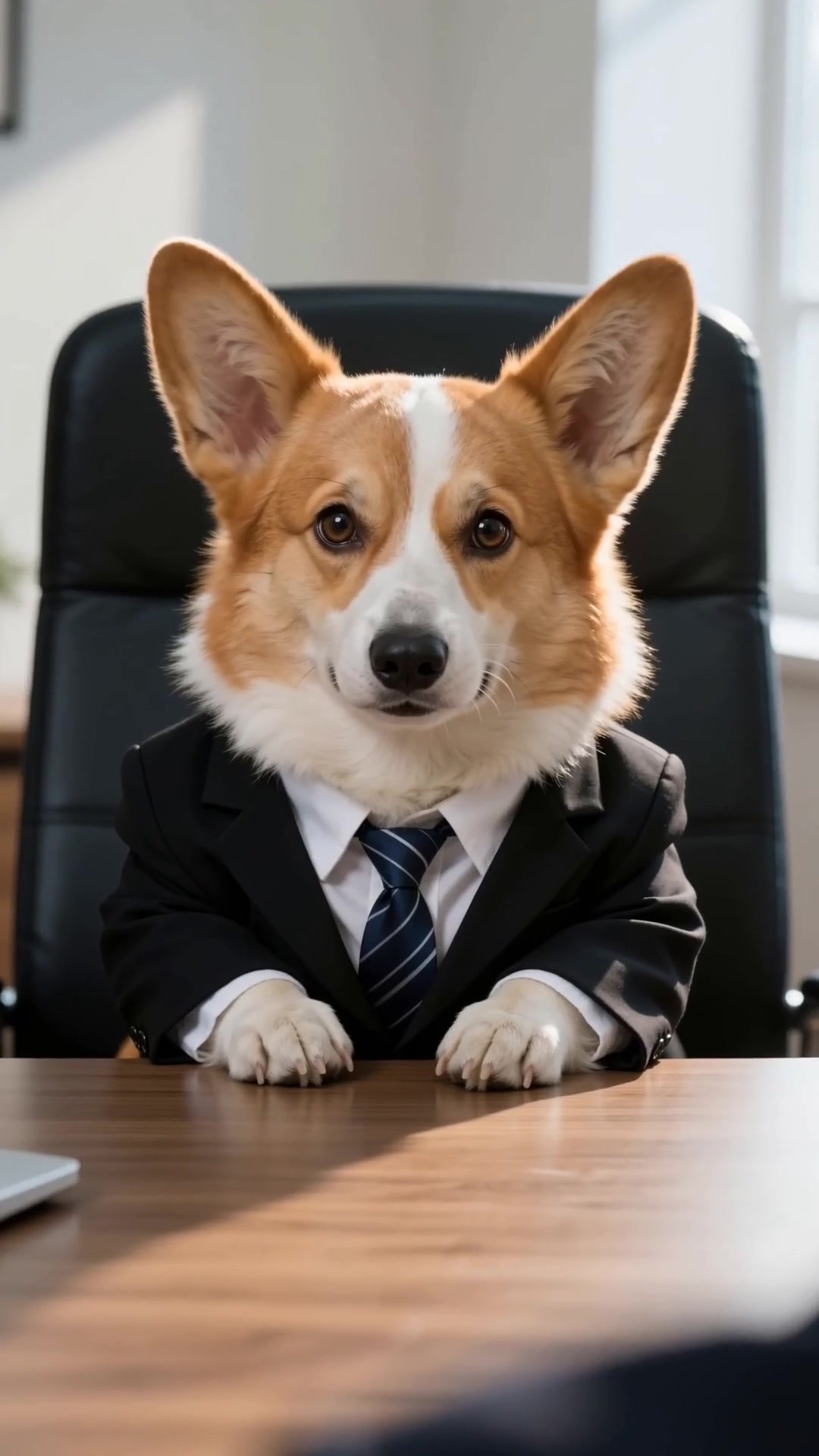
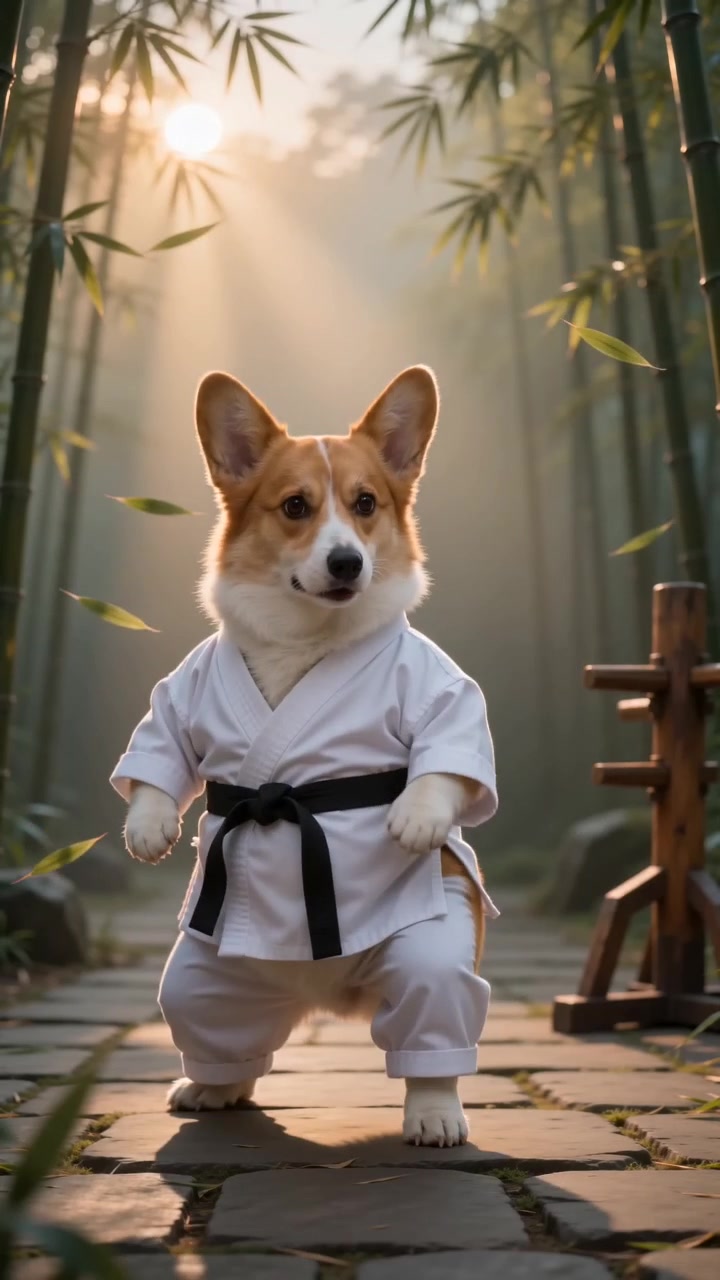
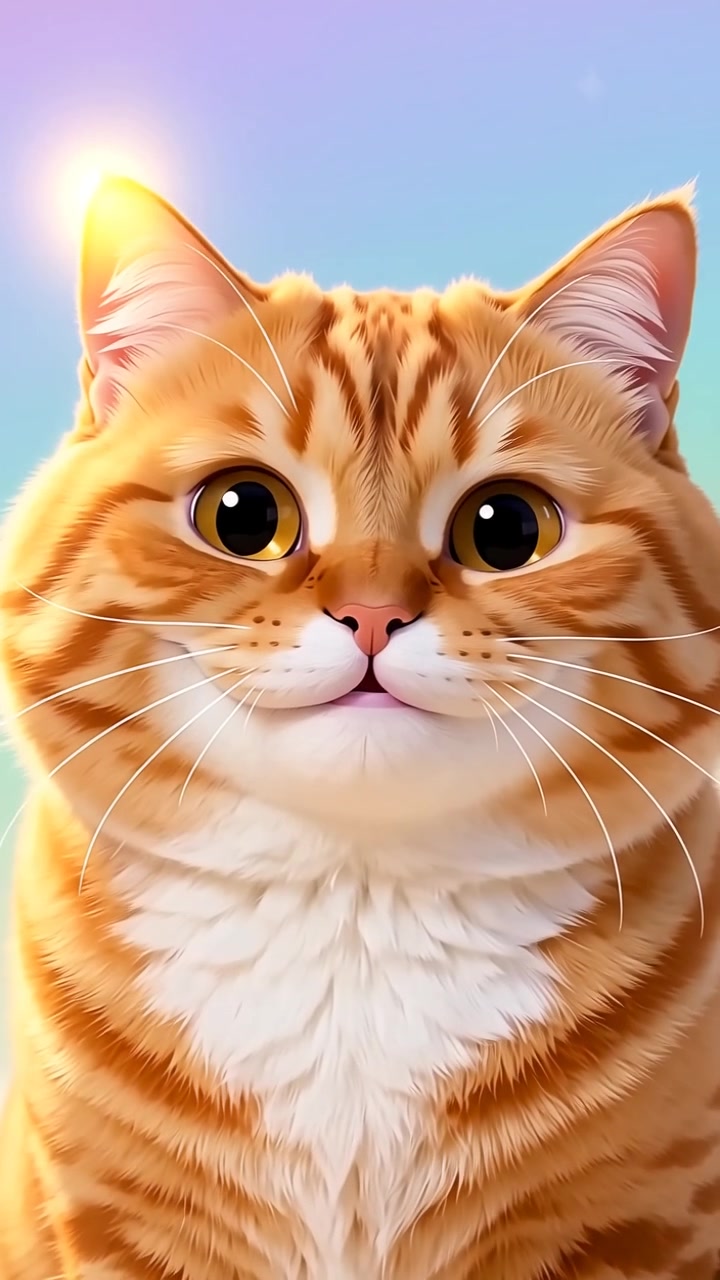
One photo is all it takes. Pawmotion keeps the face, the fur pattern and the ear shape — the things you would recognise from across a room — and only changes the world around them.

Every render lands at 1080×1920, ten seconds, with the audio already mixed. Post it as it comes out of the box.
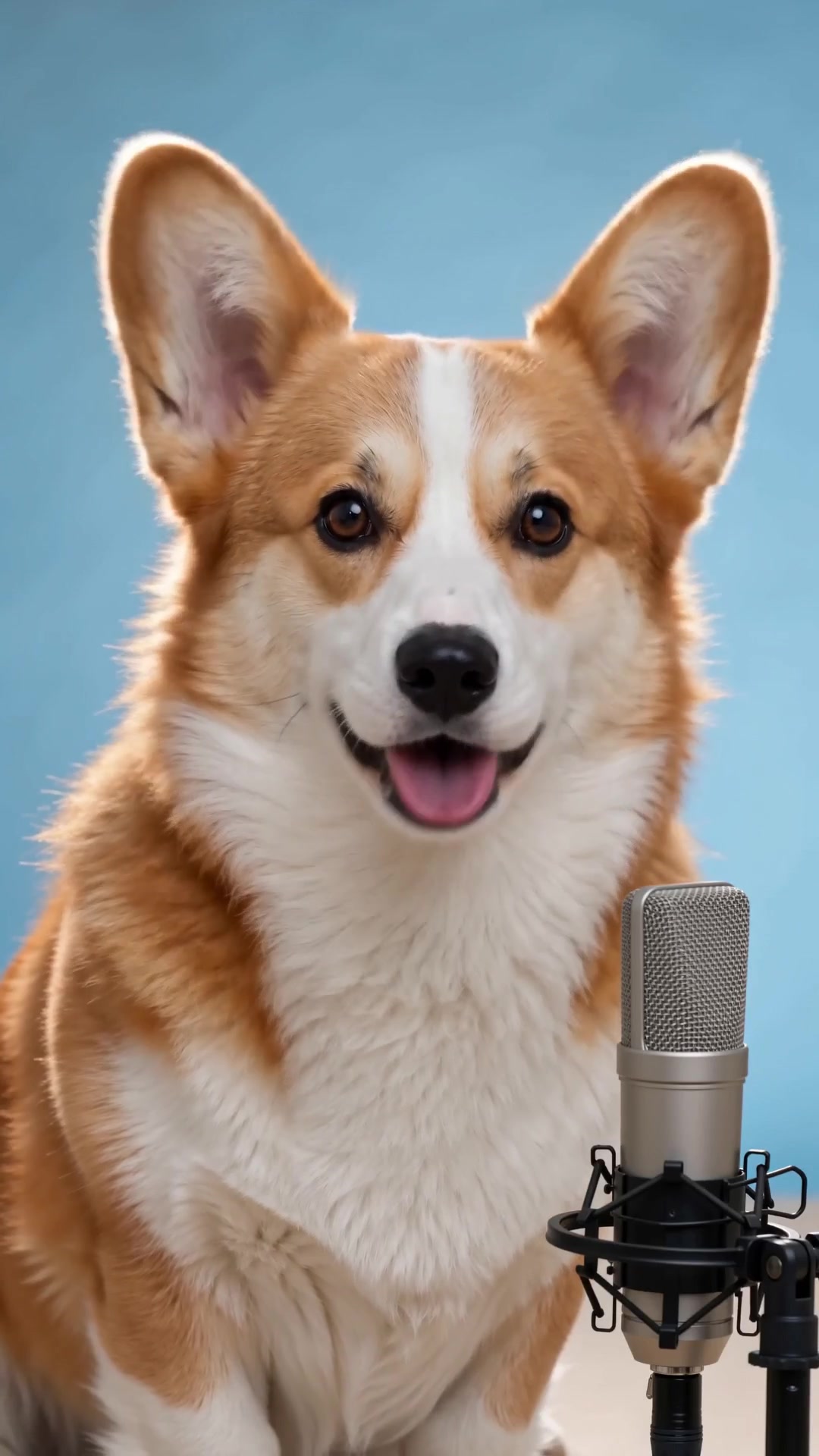
One photo. Ten seconds. Nothing to install.
Failed renders auto-refund · pay-as-you-go · no subscription
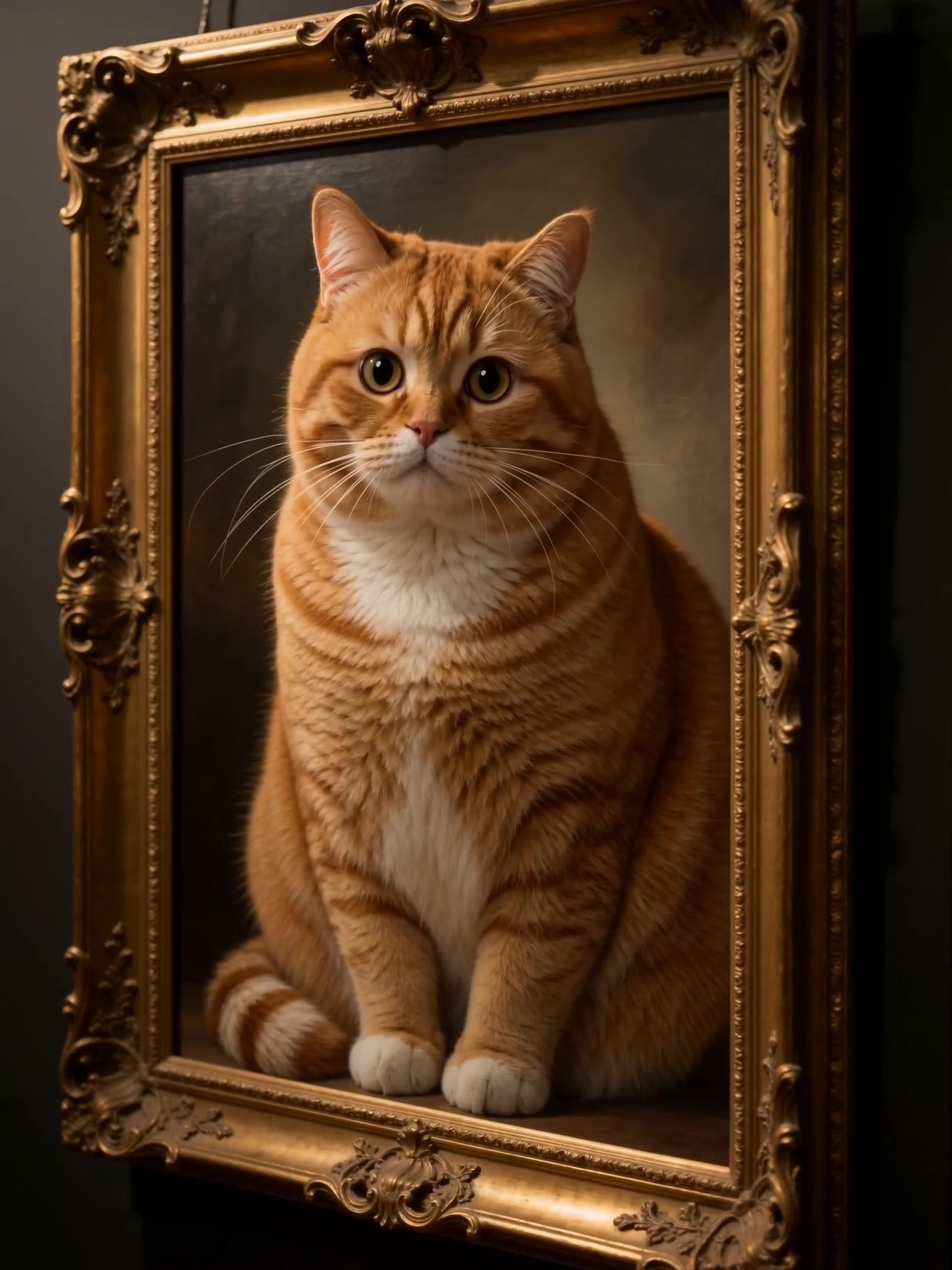
Each card shows the shot, the length and its cost up front. No guessing what a template does.
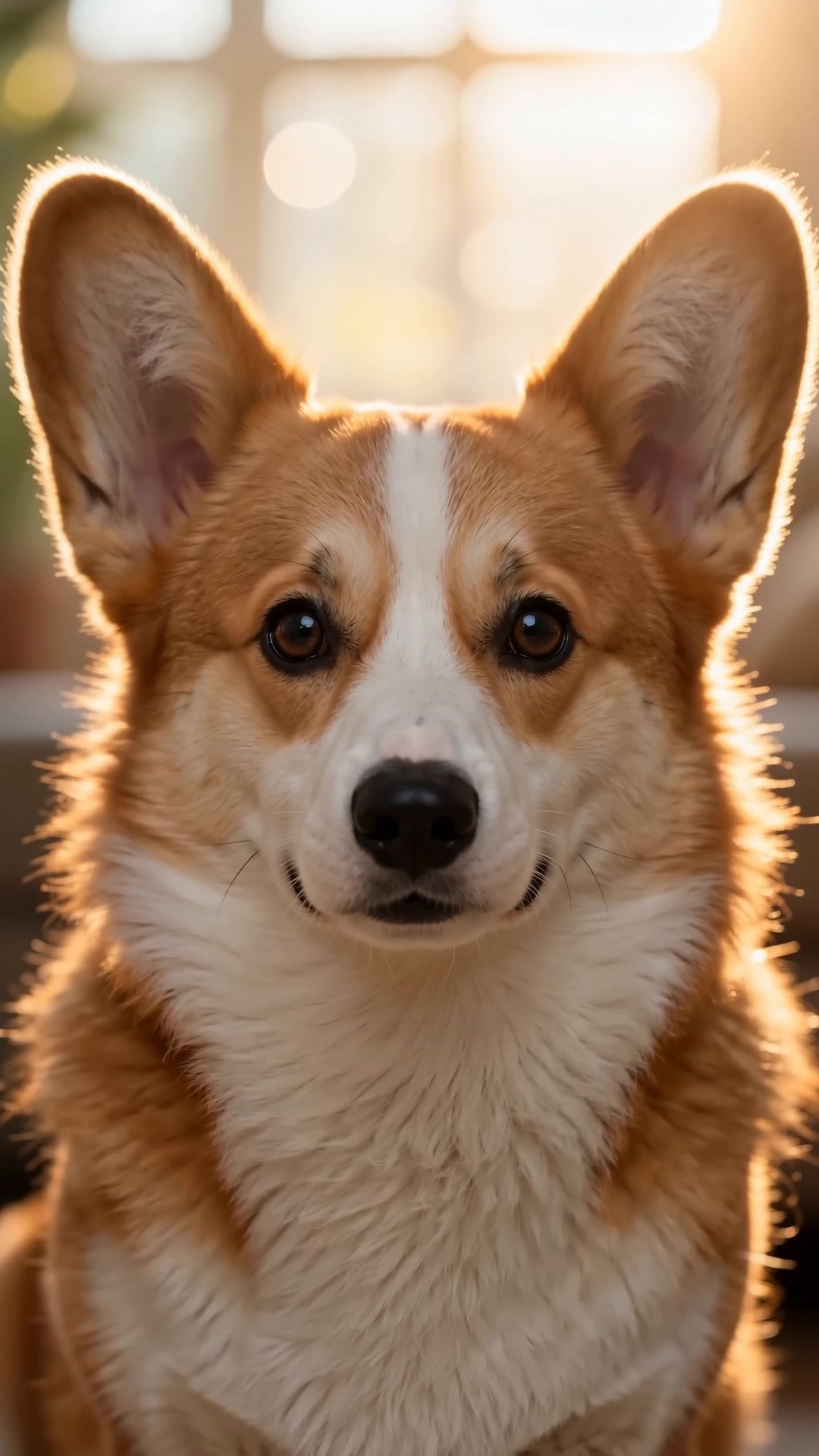
Daylight, facing the camera. A second photo helps for scenes with a full body turn.
We run the recipe — motion, camera, sound — and hand you the file. Download and post.
That is the whole job. We keep the face, the fur pattern and the ear shape from your photo and only change the scene around them. If a render drifts — wrong markings, a different muzzle — it counts as a failed render and the credit goes back.
One, taken in daylight, facing the camera. Two helps for scenes with a full-body turn. Avoid flash, filters and heavy shadows.
Usually under two minutes for a ten-second scene. You can queue several and keep browsing; finished films wait in your library.
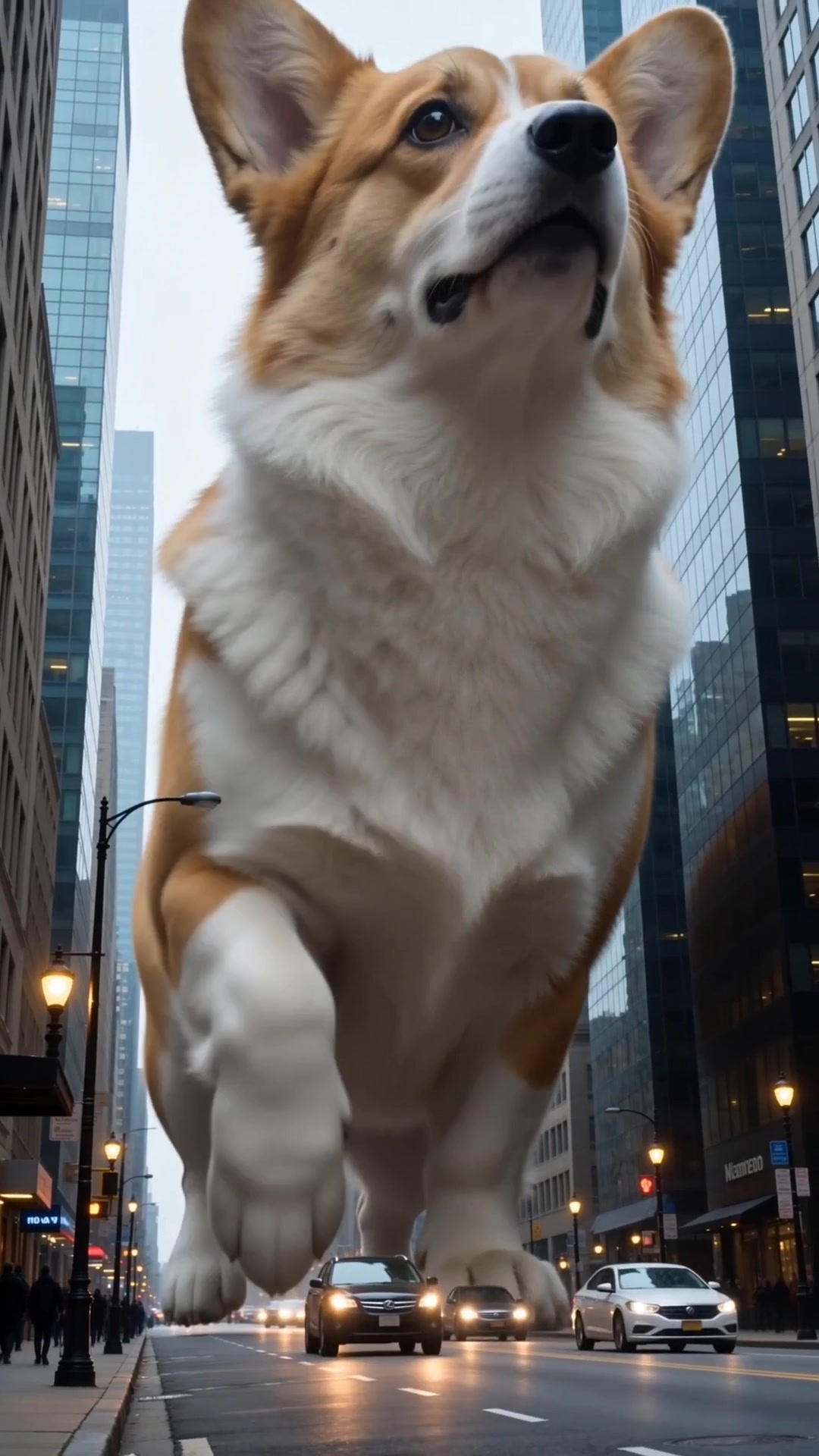
Dark fur and white fur are the two hardest cases, so those scenes were tuned on both. Fluffy coats hold their silhouette because the prompts lock the outline before the motion starts.
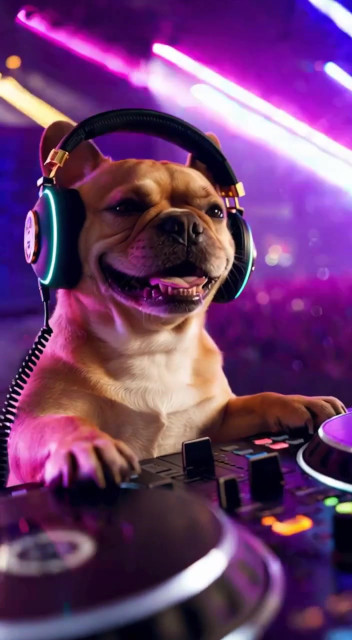
Yes. Every scene ships with its own audio — music, foley or both — mixed to the cuts so the picture and the beat land together.
No. What you download is clean, 1080x1920, and yours to post.
Yes, for your own channels and for client work. You may not resell the scene itself as a template.
Raw photos you upload are automatically deleted after 30 days for privacy. Once you confirm a pet identity portrait, that frozen identity stays saved in your account so you can keep making new videos anytime — and you can delete your pet profile whenever you like.
Re-run it with another photo, or switch the scene. Failed renders refund automatically. Mega Pack credits never expire, and all other packs stay valid for 90 days.
Still have a question? Email us anytime at support@pawmotion.video.